


With the appropriate background changes, one product image can be the basis for multiple creative directions. Customers might have different perceptions of the same product depending on the different settings. AI generation eliminates a lot of the tedious manual labor that goes into creating those alternatives. Pippit offers an AI-driven creative workflow for generating, editing, and exporting visual variations. The environments, the colors, the lighting, the textures, the composition, and the atmosphere can all be controlled with detailed prompts. This way, they are able to produce flexible product imagery without compromising the product’s visual consistency.
Why Create Multiple Background Variations?
Multiple backwall variations allow you to use one product image for various campaigns, platforms, and audiences. Product listings can be done in a clean studio environment, and advertisements can be done in a richer environment. It is also easier to perform creative testing with the original product being constant, with different directions of view. One image may display minimalist, seasonal, luxury, futuristic, or natural presentations, for instance. Before finalizing a design, you can find stronger combinations of product placement and background styling. This iterative process is supported by Pippit, which combines AI generation with practical visual-editing capabilities. Various models and creative approaches may lead to different visual interpretations, such as workflows that involve Seedance for appropriate content-generation needs.
What You Can Change Across Background Variations
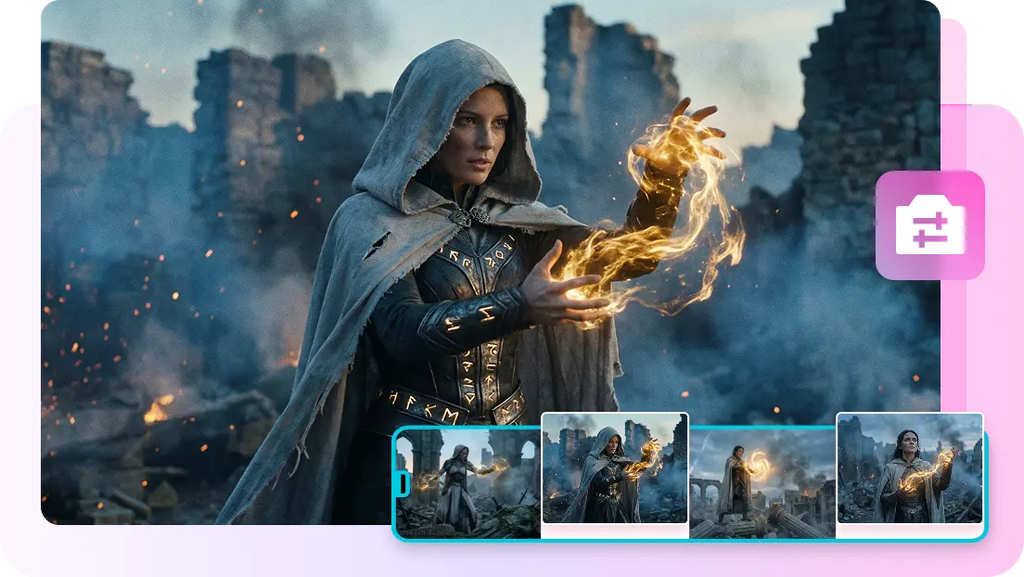
A detailed prompt can be used to direct multiple background features and still maintain attention to the product. An AI background generator can transport a product from a studio setting to nature, interior, or futuristic surroundings. Colour palettes can vary from neutral to vivid, monochromatic to pastel, and brand-aligned. The light can be diffused and natural, or it can be dramatic and provide side lighting or film lighting. Use composition to alter the placement of the product, space, depth, scale, and balance. Textures can add the dimension of marble, wood, fabric, stone, glass, or a subtle abstract surface. The atmosphere can also transform into calm, energetic, elegant, playful, seasonal, and technological. These changes are controlled, so that each change is more meaningful than just being an arbitrary visual alternative.

Steps to Generate Unlimited Background Variations Through Pippit AI Background Generator
Step 1: Build Your Background Variation Setup
- Sign up for Pippit through your Google, TikTok, or Facebook account.
- From the left vertical menu bar, open the “Home” tab to access the background generator.
- Click “+” to upload reference images from your device, phone, Dropbox, or a link. If you do not have reference media, you can select assets instead.
- Enter a detailed text prompt that explains the background you want. Add enough detail to guide the generated variations.
- Go to “Choose a model” and open the “Image” tab. Choose from models such as GPT, Seedream, or Nano Banana.
- Once your references, prompt, and model are selected, click “Generate”.
Step 2: Review Multiple Background Concepts
- Pippit’s AI image generator automatically creates backgrounds after you click “Generate”.
- The results are based on your text prompt and reference media.
- You will receive 3 to 4 image drafts to review and compare.
- Check each version and identify the background that offers the strongest result for your project.
Step 3: Adjust, Expand, and Export Your Choices
- Select the background variation that works best for your needs.
- Use “Draw”, “Inpaint”, “Isolate layers”, “Regenerate”, or “Upscale image” to refine the selected result.
- If you want a moving version, use “Convert to video” to turn the generated image into a video.
- When you are satisfied, click “Download”. Pick JPG or PNG and click “Download” again to save the image.
Build a Systematic Background Variation Workflow
A systematic workflow creates more useful comparisons than randomly varying a number of creative factors. Use the same product image to create a visual reference throughout each iteration. Make only one major change at a time, like a change in lighting, environment, or color palette. This approach helps to make the differences more apparent and assessable. Maintain critical product attributes such as shape, proportions, branding, and key visual details—record effective prompt structures to pass on to future generations to follow set creative structures. Pippit can assist in this process by integrating generation and editing in a single creative environment. Evaluate finished products based on clarity, composition, color harmony, product visibility, and the relevance of the campaign. Variations should complement the product, not be in competition with it, and be strong.
Turn One Product Image Into Multiple Creative Directions
One product shot can lead to multiple visual directions without having to shoot a whole new product. Blank backgrounds can be used for marketplace listings, catalogs, and simple product presentations. Social environments can be more expressive and generate promotional materials for social campaigns, launches, seasonal events, and brand storytelling. Marble and cinematic lighting could be effective for a luxury product, and natural scenery could be used for an outdoor product. Sleek digital environments are possible for technology products, where highlights and reflective surfaces are controlled. The aspect ratio might also need to change the positioning of the product and the negative space around it. Pippit’s wider creative workflow can also take selected visuals to promote as well, keeping things consistent throughout marketing formats. When static images require a more dynamic presentation, a video agent can also be used to aid motion-oriented creative workflows.
Refine Generated Variations Before Publishing
Drafts should be carefully visually inspected before publishing, as AI-generated content might have minor inconsistencies. Inspect product edges for any unwelcome distortion, particularly near fine details and complex shapes. Make sure to check shadows to ensure they are in the right direction and correct in strength with the created light. When the scene includes glass, metal, water, or polished surfaces, reflections should also be physically believable. Check product size and position to keep the product clearly visible and in a natural position. Pippit’s editing tools can be used to fix localized problems without having to rebuild the whole composition. Inpainting can be used to alter a particular area without altering the surrounding design. When some parts of the visual component need to be treated differently, layer isolation can be used to help separate them. When the current outcome is not in the desired direction, another is created through regeneration. In some cases, upscaling can help to enhance clarity where the image requires more detail in the end application.
Key Checks Before Finalizing Background Variations
- Product consistency: Make sure that shape, branding, proportions, and key details are correct.
- Background relevance: Make sure the background is relevant to the purpose of the product and its target audience.
- Lighting harmony: Make sure highlights, shadows, and reflections work in a believable direction.
- Composition balance: Leave enough negative space to accommodate layouts, captions and promotional elements.
- Colour harmony: Check that background colours will not overpower the product.
- Output quality: Check edges, textures, clarity and overall image sharpness prior to export.
Conclusion
The variation of the background transforms the product image into a versatile base for various creative uses. Purposeful alternatives are generated by structured experimentation rather than unrelated visual drafts. Pippit integrates image generation, editing, refinement, and export into a usable creative workflow. Existing product imagery can be given a fresh look efficiently by changing the environment, palettes, lighting, textures, and compositions. However, careful inspection is necessary prior to publishing any generated result. Multiple background directions can facilitate faster and more adaptable visual production with consistent references and organized prompts.

